


RedTrack Chrome Plugin for Meta Ads Manager
Plugin overview
The RT Chrome plugin for Meta Ads Manager integrates RedTrack data directly into the Meta UI. Thus you can compare the data from RedTrack Ads manager with the data from Meta Ads Manager in one UI.
Plugin’s core benefits:
- Allows you to compare data from both platforms within a single interface (Meta Ads Manager).
- Fills in missing conversion data that Meta Ads Manager doesn’t provide, helping you optimize your campaigns more effectively.
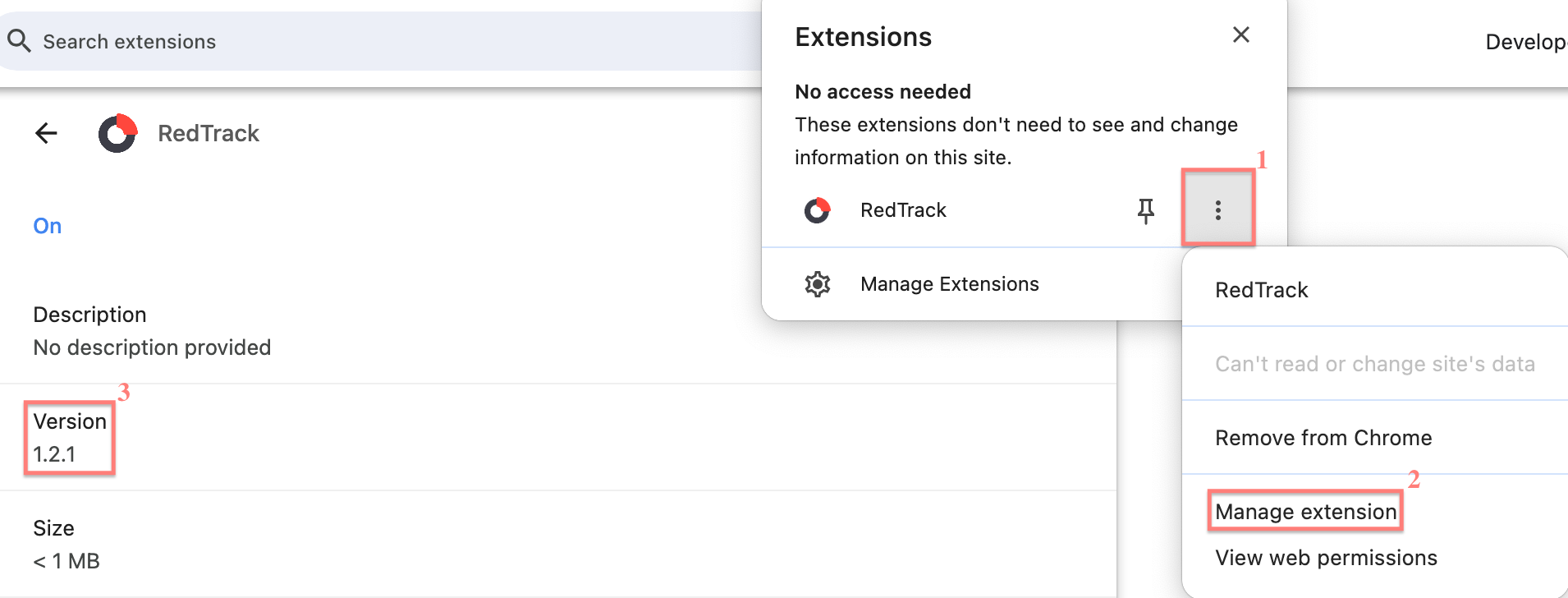
The RedTrack Chrome plugin is regularly updated to improve performance. Since Chrome extensions don’t update automatically, check for the latest version as a key troubleshooting step if something isn’t working
At the moment, this extension is working for Meta Ads Manager only. So if you try to apply it for any other platforms, you’ll see the following message:

The plugin is currently in free trial mode. You are welcome to try it and share your feedback by emailing support@redtrack.io.
How to use the plugin
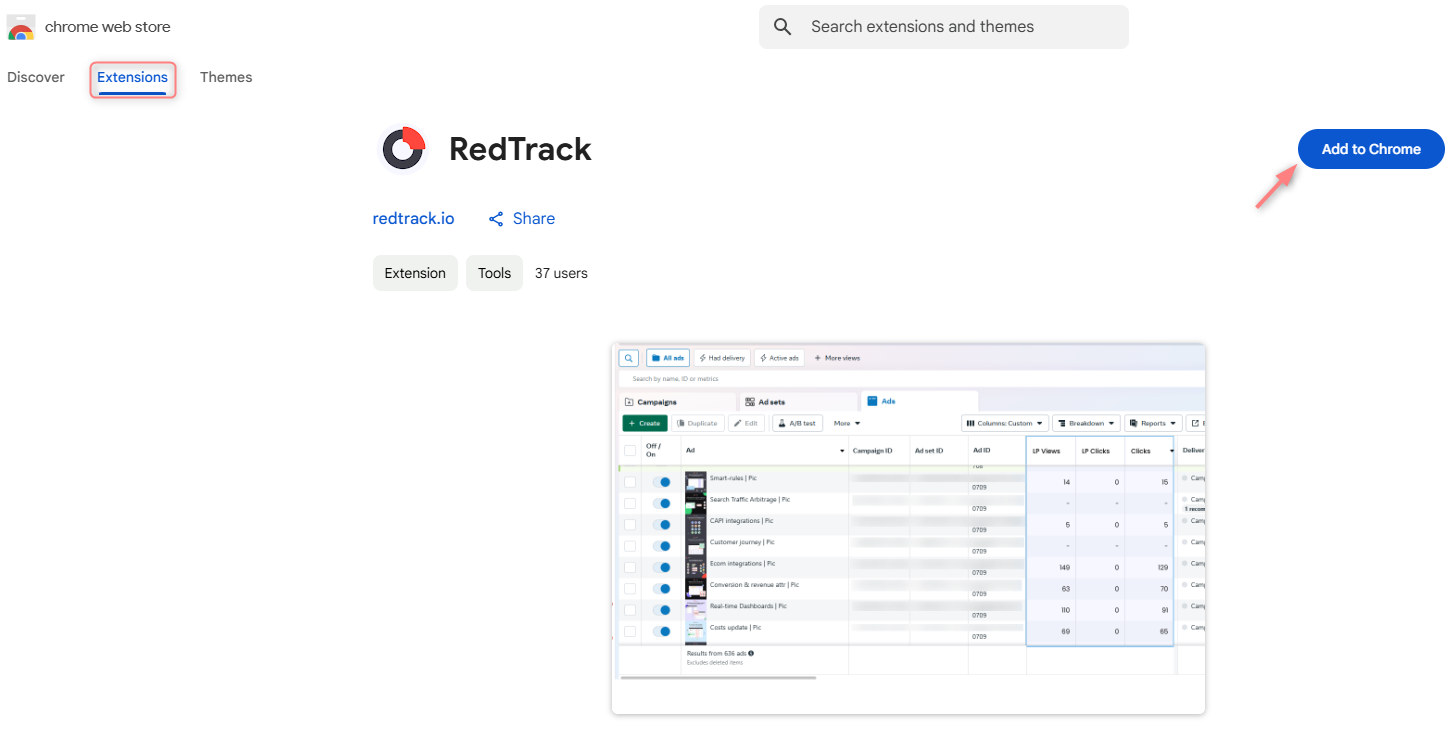
1. Chrome webstore → Extensions → search for RedTrack → Add to Chrome:
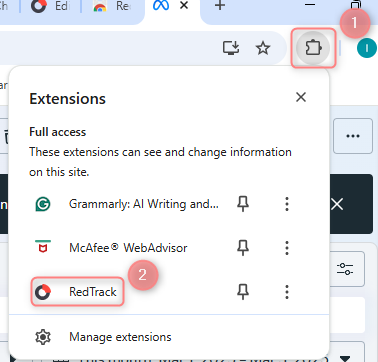
2. Go to Meta Ads Manager → select RedTrack extension → log in with your credentials:
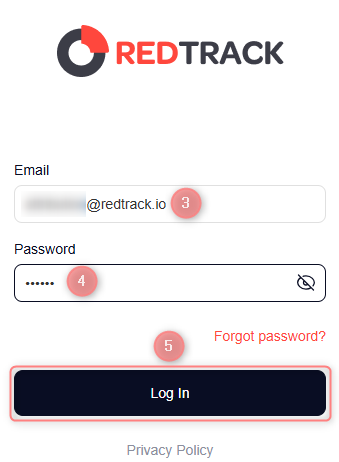
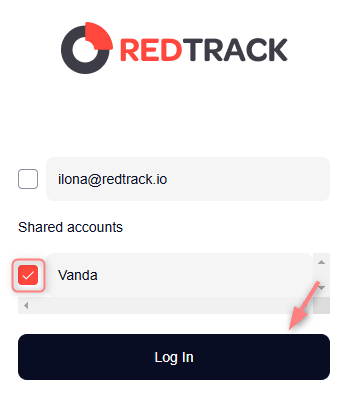
If you’re a shared user, tick your account name to proceed:
Press the Shared Accounts button to get back to the main login window:
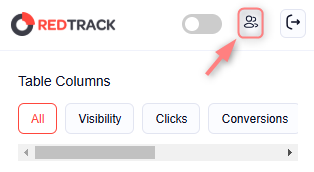
Press the Shared Accounts button to get back to the main login window:
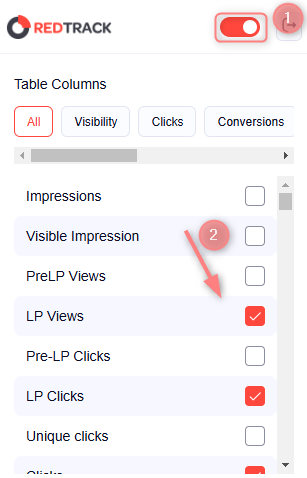
3. Enable the RedTrack toggle and choose the columns you want to add:
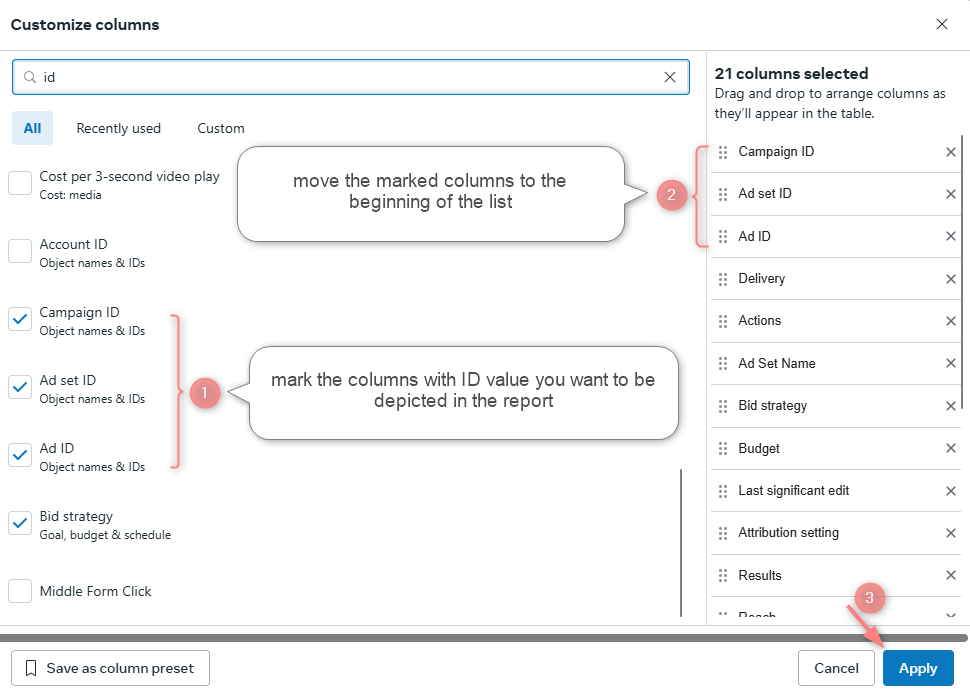
4. Since RT and Meta Ads Manager compare data based on IDs, you need to add columns for Campaign, Ad set, and Ad IDs in Meta Ads Manager. These columns must always be visible for the plugin to display its data.
In Meta Ads Manager go to Columns → Customize columns → Apply:
5. Here is the outcome:
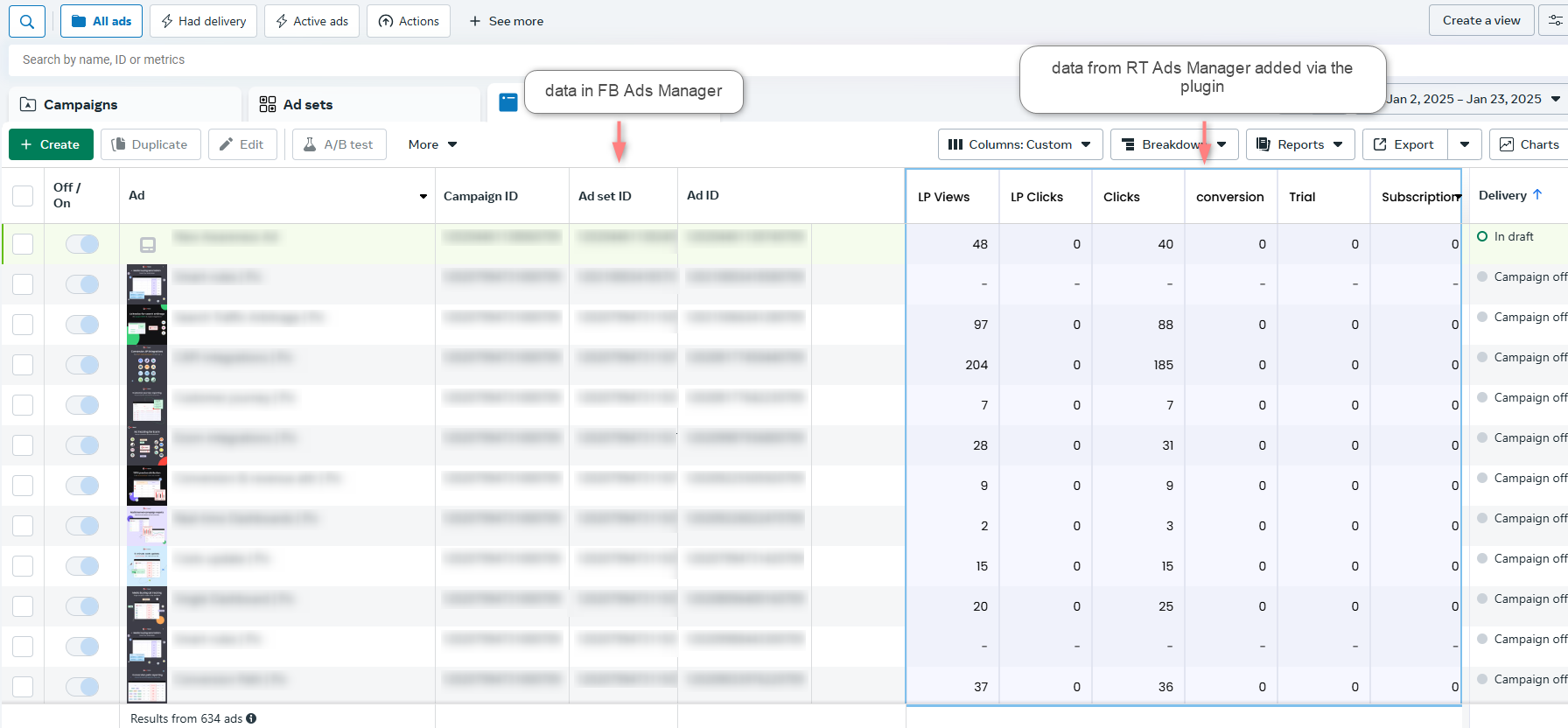
The popped-up column can be stretched and scrolled from within for your convenience:


